Task Management
A professional schedule is built on a foundation of accurate task data. In MSP Planner, the "Task" is the fundamental unit of work, supporting a sophisticated model that distinguishes between simple planning placeholders and live Jira references.
1. The Project Model: Hierarchy & Roll-ups
MSP Planner uses a hierarchical tree structure to organize work. This allows you to decompose complex projects into manageable phases and tasks while maintaining absolute data integrity.
Leaf Tasks vs. Summary Tasks
The engine distinguishes between two types of rows:
- Leaf Tasks: The lowest level of the hierarchy. These are the tasks where work is actually performed, and they are the only rows that enter the "Task-Mode" calculation kernel (Fixed Work, Duration, or Units).
- Summary Tasks: Any row that contains sub-tasks. Summary tasks act as "containers" and their values are derived automatically from their children.
The Roll-up Engine
To ensure high-level reporting is always accurate, Summary Tasks use a deterministic roll-up mechanism:
- Dates: The Start Date is the earliest start of any child; the Finish Date is the latest finish of any child.
- Work & Duration: Effort and time spans are aggregated from the child tasks to provide an accurate view of the phase's total requirements.
- Authoritative Overwrite: Because summary values are derived, the app authoritatively overwrites user input to these fields to prevent the "broken link" problem common in basic Gantt tools.
Manual Summary Behavior
In professional planning, you may occasionally need a Summary Task to stay put regardless of its children. By setting a Summary Task to Manual mode, the row still rolls up dates from its children, but it will not be automatically shifted by the scheduling engine's dependency pass.
2. Task Types & Special States
Not all tasks in a schedule serve the same purpose. MSP Planner supports specialized task types to model different project needs.
Milestones (Zero-Duration Tasks)
A milestone represents a key achievement or a "hard point" in the project.
- Identity: A milestone is a task with zero duration, where the start and finish occur at the same instant.
- Dynamic Transition: The app automatically manages the milestone state. If you expand a milestone's duration, it is demoted to a standard task. Conversely, if you collapse a task to zero duration, it is promoted to a milestone.
Project-Only vs. Reference Tasks
The workspace allows you to mix different "sources of truth" in a single schedule:
- Project-Only Tasks: These are local placeholders used for early-stage planning or for external dependencies that don't exist in Jira. They exist only within the schedule.
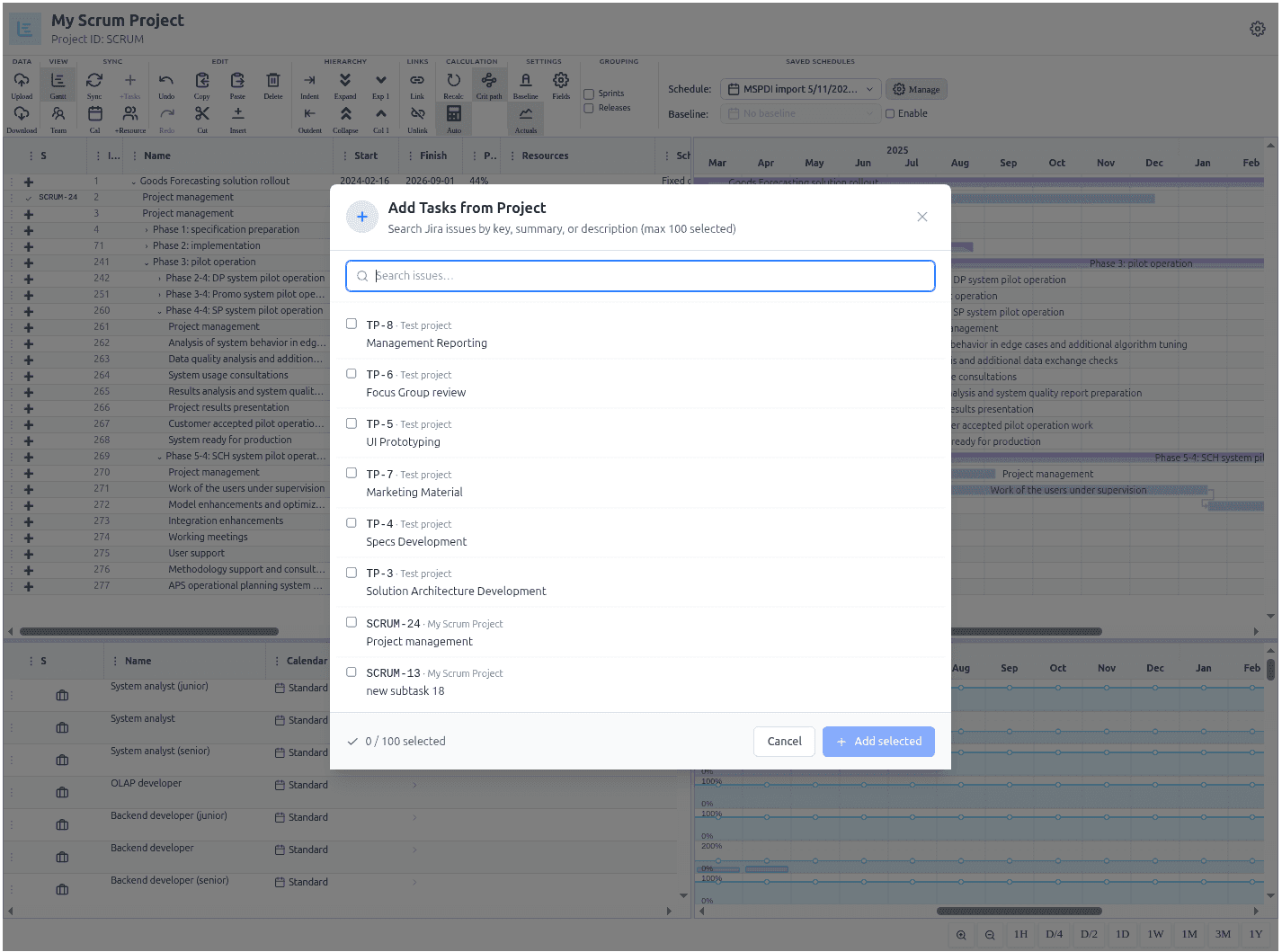
- Reference Tasks: These are tasks linked to real Jira issues. They carry a live identity (the Jira Issue Key) and are the target of the synchronization process.
3. Linking & Identity: The Jira Bridge
The core strength of MSP Planner is the ability to connect a professional schedule to real-world execution without losing data during external reviews.
The Reference Identity
When a task is linked to Jira, it becomes a Reference Task. This linkage is maintained via a stable identity hash.
- Identity Preservation: This hash ensures that even if a task's name is changed in Jira or the schedule, the link remains intact.
- MS Project Round-Tripping: For users who export to Microsoft Project, this identity is written into a reserved field (Text30). This allows the app to recognize the same task when a modified
.mppfile is re-imported, ensuring lossless round-tripping.
The Synchronization Boundary
Linking a task does not mean the tool silently overwrites Jira. To protect the team's daily work, MSP Planner employs an Explicit Synchronization Boundary:
- Planning Space: Changes made to Reference Tasks in the timeline are stored locally as "Local Newer" changes.
- Execution Space: The Jira issue remains unchanged until the Project Manager explicitly reviews and Pushes the changes.
For a detailed guide on managing this process, see The Synchronization Model.